Windows users are recommended to install VcXsrv to open graphical programs from PowerShell. This approach should work even if you don’t have administrator permissions on your computer.
1 Installing VcXsrv
These steps you only have to follow once, and after that the VcXsrv will be installed and you will only have to do the steps in the Running section to use it.
Download the correct file (version will most likely have changed since this screenshot):
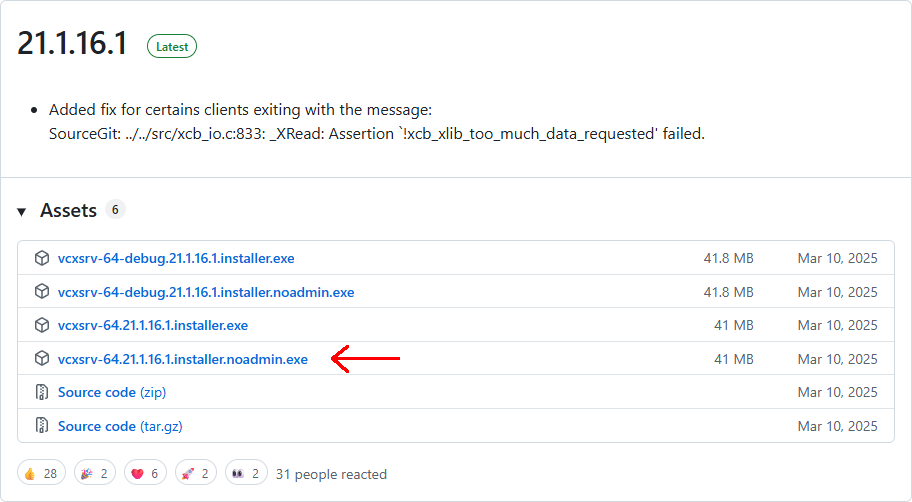
Run the installer. Windows will most likely complain that you are tryting to run a program not condoned by Bill Gates himself. If you press the
More infolink you will get an option to run it anyway.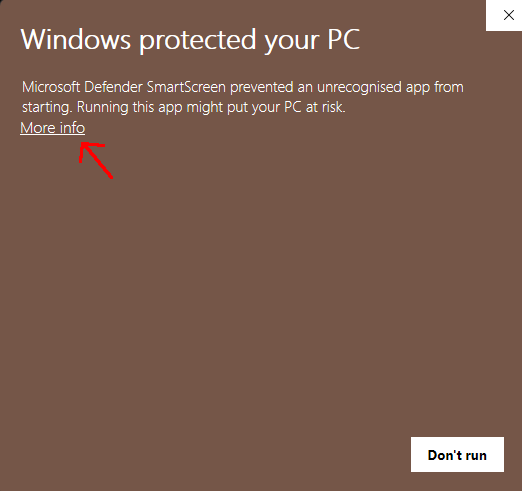
If you press the
More infolink you will get an option to run it anyway.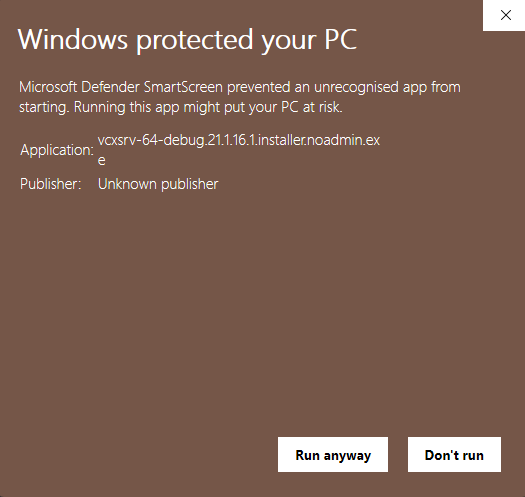
Go through the installer steps.
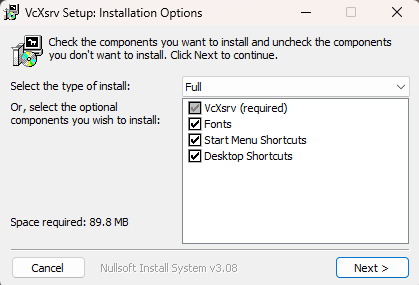
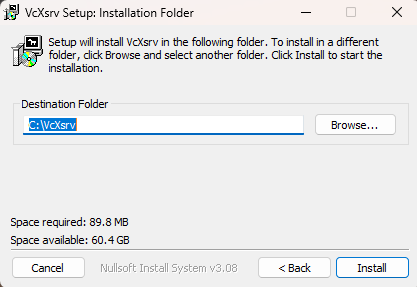
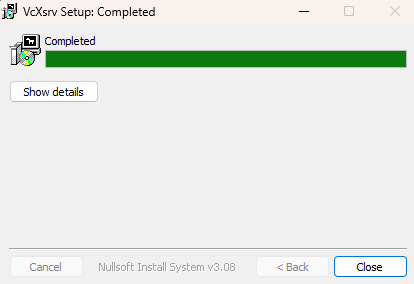
2 Running VcXsrv
Once it is installed you can start VcXsrv using the desktop shortcut that was created. Now the program is installed and you will never do the steps above again. If you exit VcXsrv or reboot your computer, you will have to follow the steps below to start it again.
Start VcXsrv using the desktop shortcut.

Click through the configuration options without changing anything.
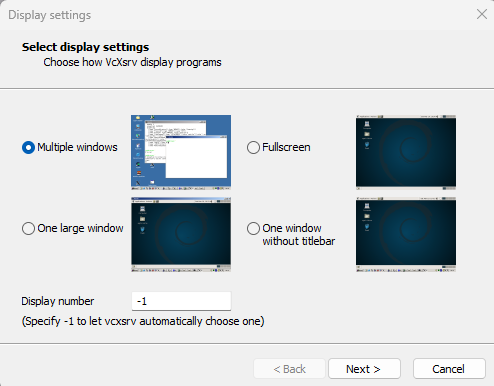
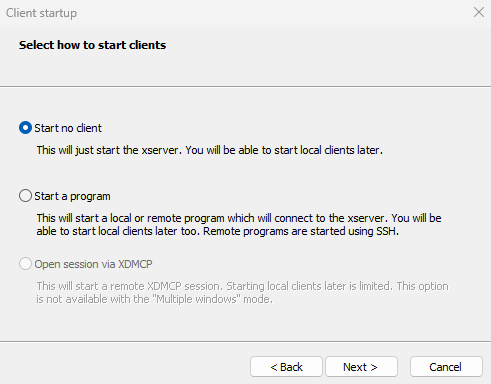
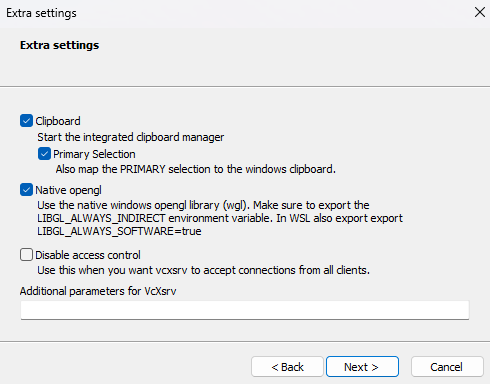
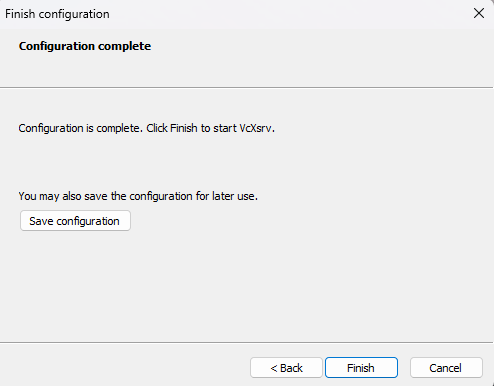
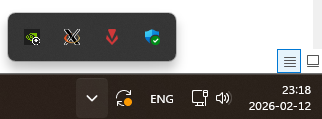
Now VcXsrv will just be visible as an icon in the systray. It will just sit there and handle any graphics that gets sent to your terminal, no need to do anything else. If you right click it you can tell it to exit once you are done with using it, and just start it again when you need to use it.